A practical use for TlgMe
Goldfish memory is one of the symptoms of AI psychosis, right?
When I give tasks to agents, I tend to run several at once. But I don’t always keep track of what’s happening with each one. Some are done and need testing; others are waiting for my input. Short sessions are easy enough to follow. Once planning or implementation takes a few minutes, I can forget about one of the tasks.
That’s where I use TlgMe. It’s a CLI tool that lets an agent send me a Telegram message or ask me a question and wait for my reply.
I set up a simple rule: send me a Telegram notification if implementation takes more than five minutes. When an agent babysits a pull request, waits for tests to go green, or responds to code review comments, that can take 10–20 minutes.
For example, after checking a pull request, the agent can tell me it’s done from the command line:
tlgme --text "Tests passed, pull request ready for review"While the agent works through the slow parts, I can switch to another task and get an alert from my own Telegram bot.
If I’m heading out and need to keep an eye on the agent’s work, it can message me with a question. It can also send a plan with “Approve” or “Request changes” buttons.
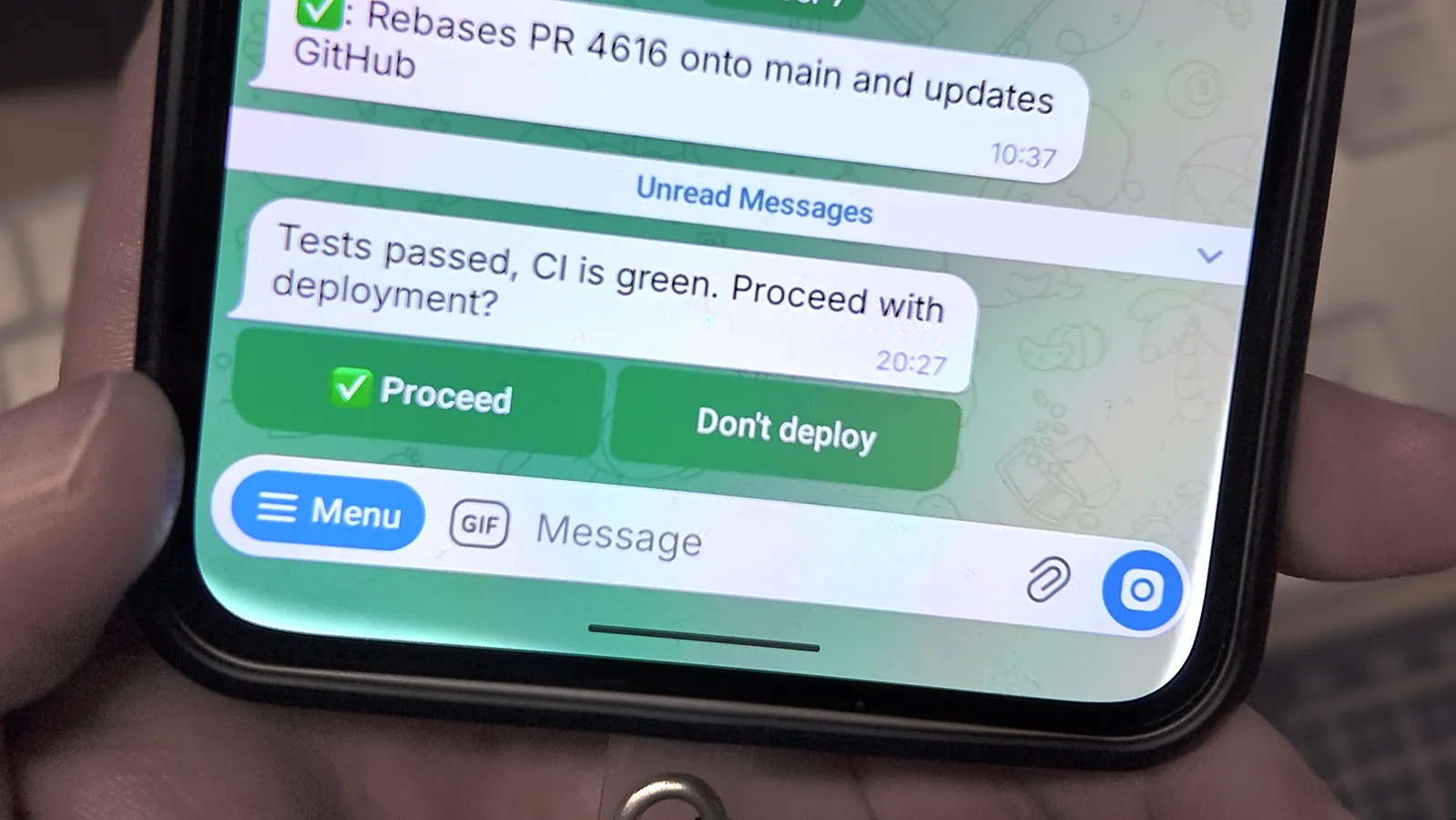
The notification shows up on my phone and Mi Band.
In my global AGENTS.md, I added a rule: if the build stage takes more than five minutes, the agent should call tlgme.
I like this setup and want to keep developing it. I’d like the agent to know whether I’m at my computer, then decide where to send updates, how much detail to include, and where to ask questions.